WooCommerce Live View: Real-Time Store Activity Dashboard
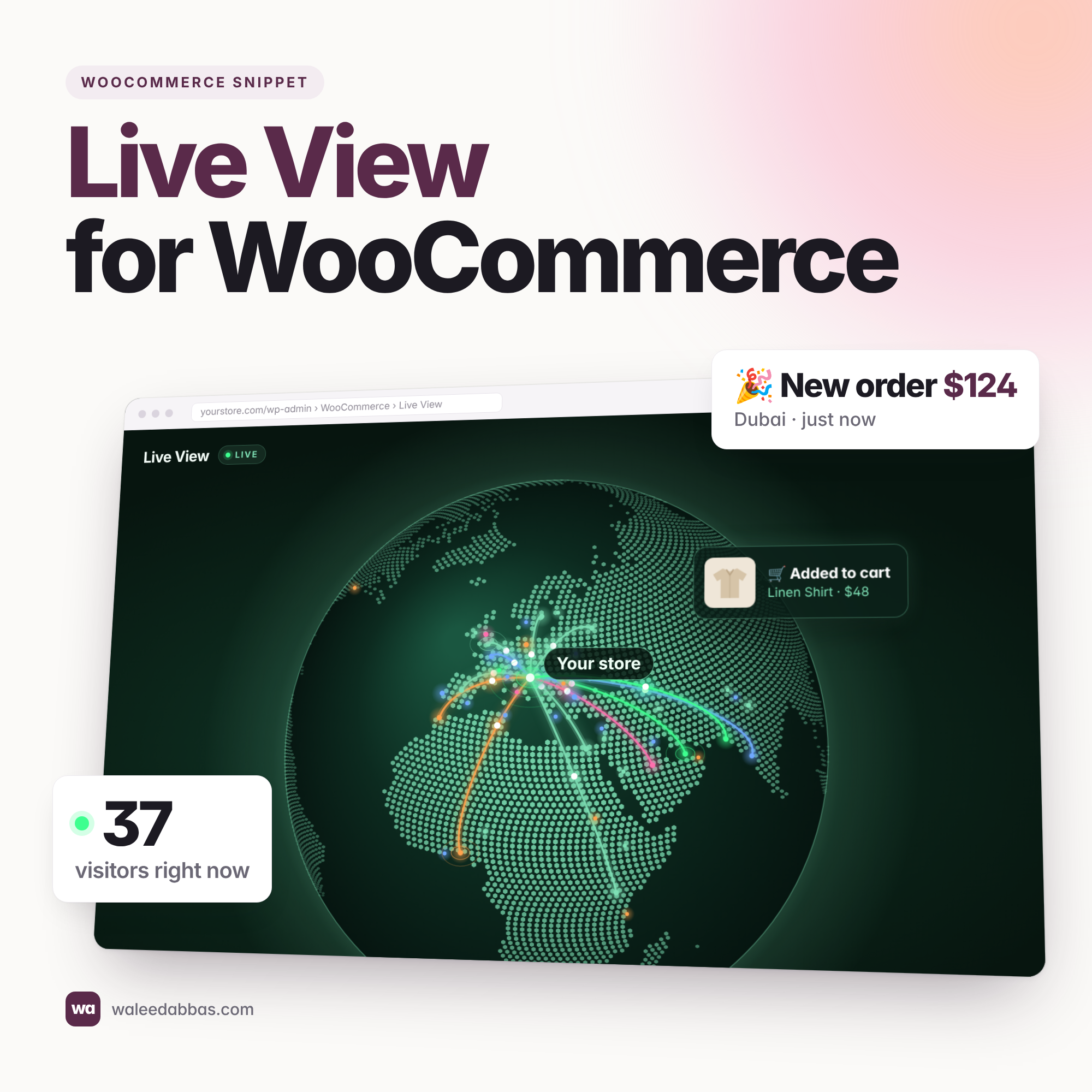
See who is on your WooCommerce store right now, on a live 3D globe, just like Shopify Live View. One snippet adds a real-time dashboard inside WooCommerce, with no monthly app fees.
- Live visitors, carts, checkouts and sales on a 3D globe
- Send a live discount or message to any shopper
- Copy, paste, activate. No coding needed
$59 Original price was: $59.$29Current price is: $29.
- Instant download after purchase
- Lifetime updates for this item
- Support from me by email
About this item
Shopify store owners love Live View: a globe that shows shoppers arriving, adding to cart and buying, as it happens. WooCommerce has nothing like it built in. This snippet adds a full live dashboard under WooCommerce → Live View, using your own site’s data, without a paid analytics app.
What’s included
- One PHP snippet: WooCommerce Live View 2.0
- Step-by-step install guide
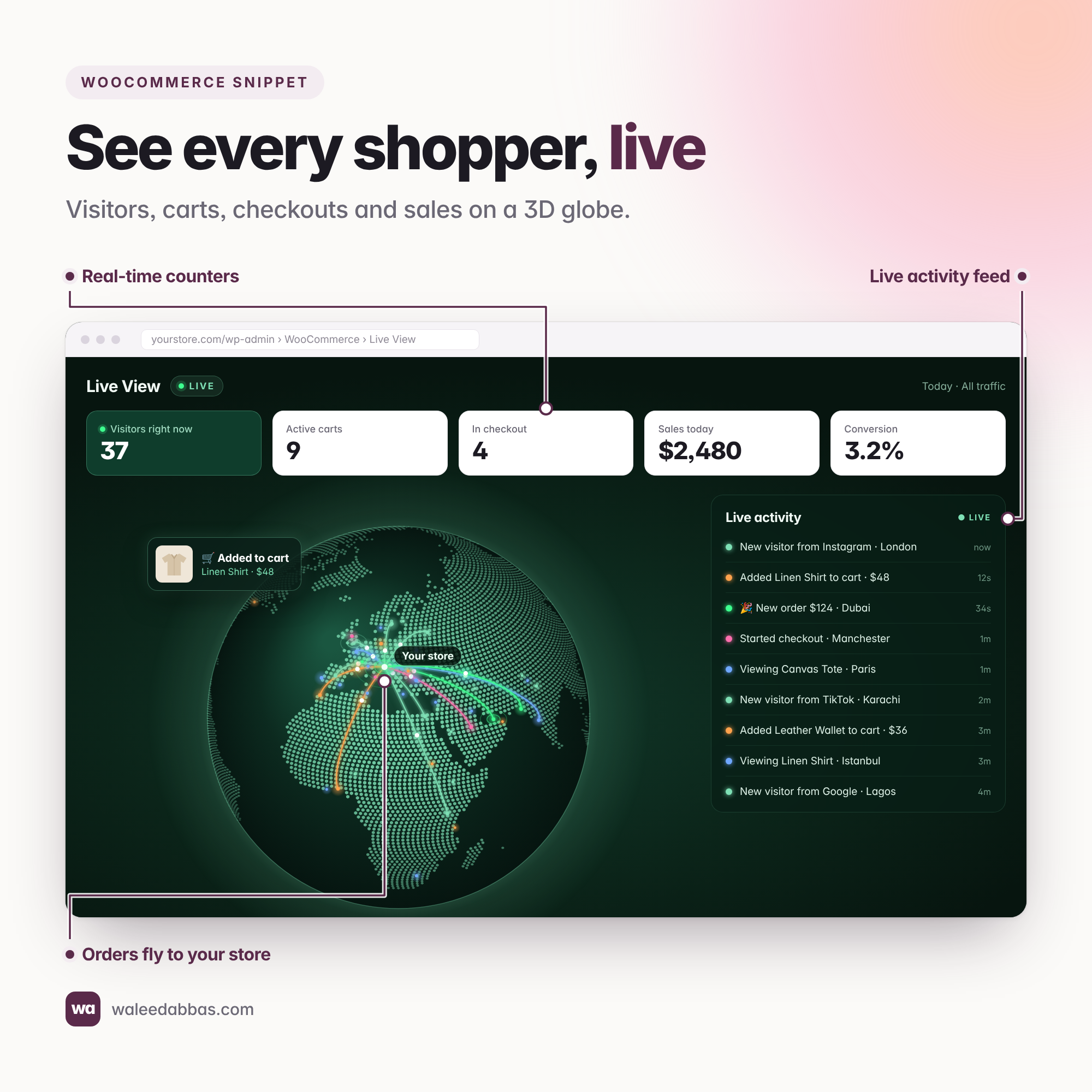
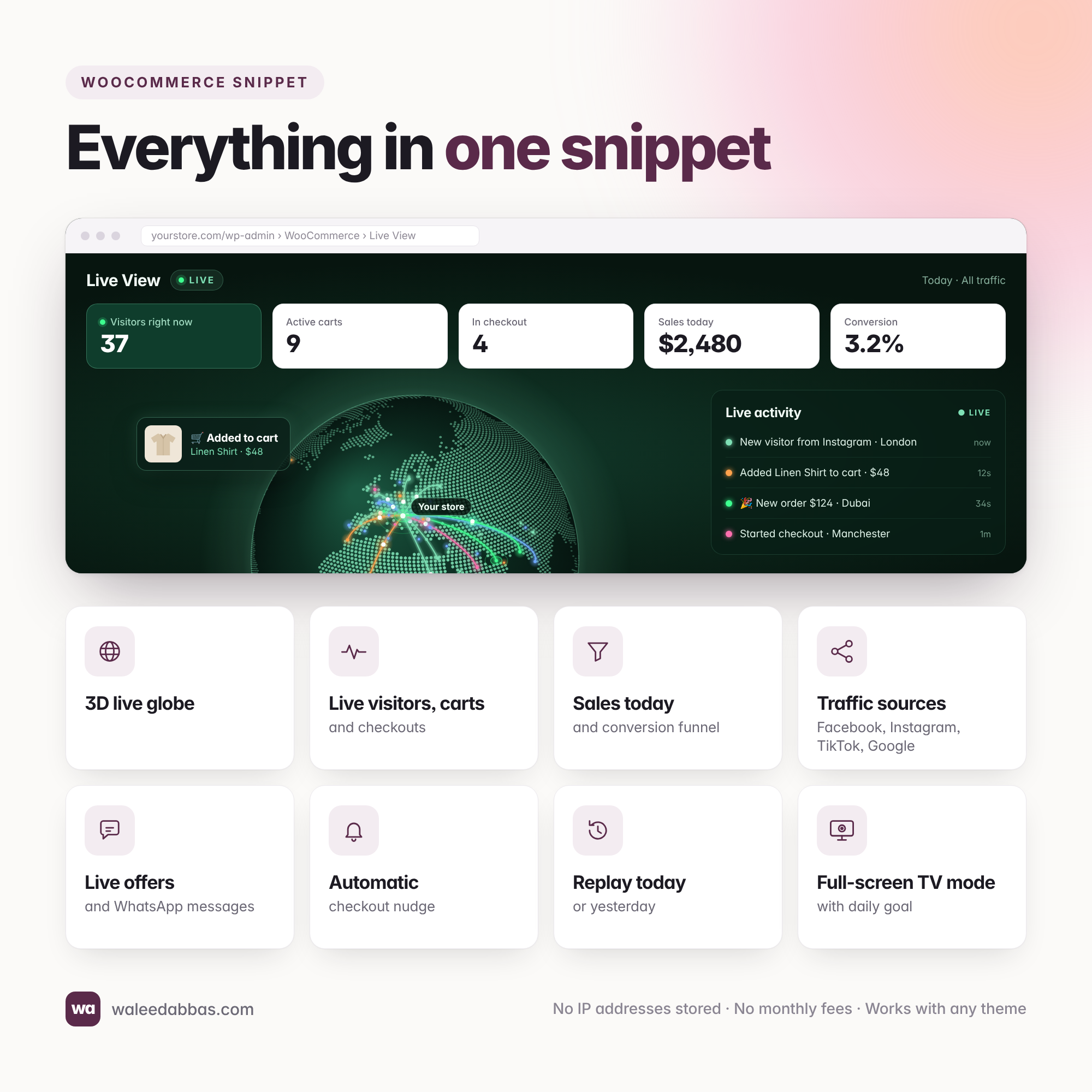
Live dashboard
- Visitors right now, active carts, shoppers in checkout and recent purchases
- Sales today, orders, average order value, sessions and conversion rate
- Customer journey funnel: sessions, product views, add to cart, checkout, purchase
- Live visitor table: location, traffic source, device, current page, cart value and time on site
- Trending products, top pages, traffic sources, country leaderboard and recent orders
3D globe
- City-level visitor dots, coloured by what each shopper is doing
- Pulses for new visits, floating product cards when something is added to cart
- Order arcs to your store, coloured by traffic source (Facebook, Instagram, TikTok, Google and more)
- Heatmap mode for revenue or sessions by country
- A sound, confetti and a banner every time a new order comes in
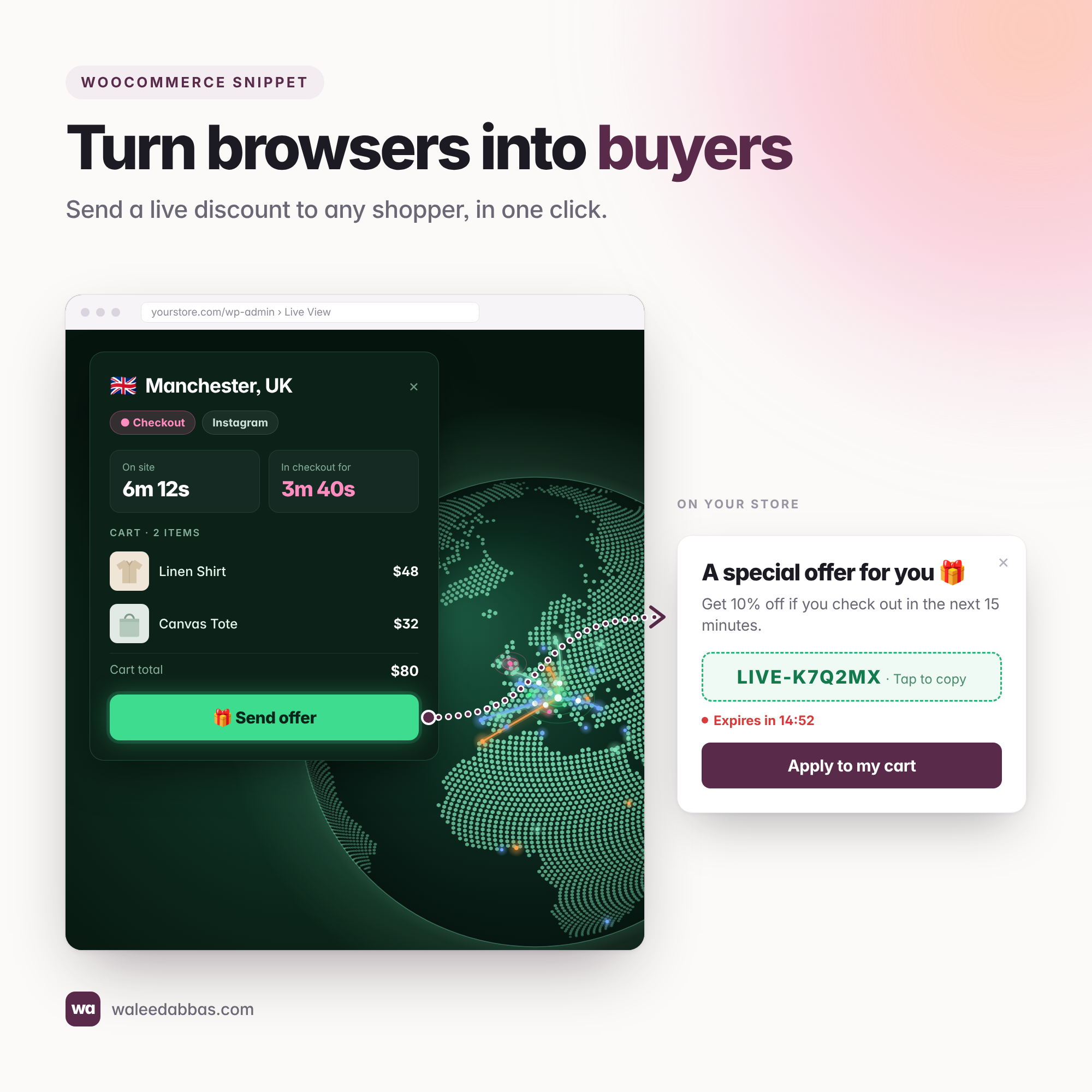
Talk to shoppers live
- Click any visitor to see their journey, the items in their cart, their source and device
- Send them a live offer: a single-use coupon is created automatically and pops up on their screen
- Or send a friendly message, with an optional “Chat on WhatsApp” button
- Message everyone in one country, everyone with a cart, or everyone in checkout
- Automatic checkout nudge: offer a discount when someone is stuck in checkout for a few minutes
Replay and TV mode
- Time-lapse replay of today or yesterday, with an activity timeline
- Full-screen TV mode with a daily revenue goal bar and a sale countdown
Privacy-friendly
IP addresses are not stored. Only the country, city and approximate city location are kept.
Visitor data is deleted after 48 hours and activity history after 8 days. Expired live coupons are cleaned up automatically.
Store admins are not tracked, so your own visits don’t skew the numbers.
How to install
- Install a free snippets plugin, such as Code Snippets or WPCode.
- Add a new PHP snippet and paste the code. Set it to run everywhere, then save and activate.
- Open WooCommerce → Live View. Visitors appear as soon as people browse your store.
- Optional: open Settings to add your WhatsApp number, a daily goal and checkout nudges.
Want it installed for you?
Tick Add setup by Waleed above the Add to cart button and I’ll add the snippet to your site and set up the settings for you.
Requirements
WordPress with WooCommerce.
A free snippets plugin, such as Code Snippets or WPCode.
City-level locations use the free ip-api.com lookup by default, or a free MaxMind city database you can download from the settings.
Compatibility
Works with any theme, including Elementor sites, and with both the Checkout block and the classic checkout.
Works with page caching. The globe needs a browser with WebGL, which almost every modern browser supports.
Licence
Use on one website, for personal or commercial projects.
No resale or redistribution. Each client or project needs its own licence.
Digital download, so all sales are final.
Related products
-
Sale!
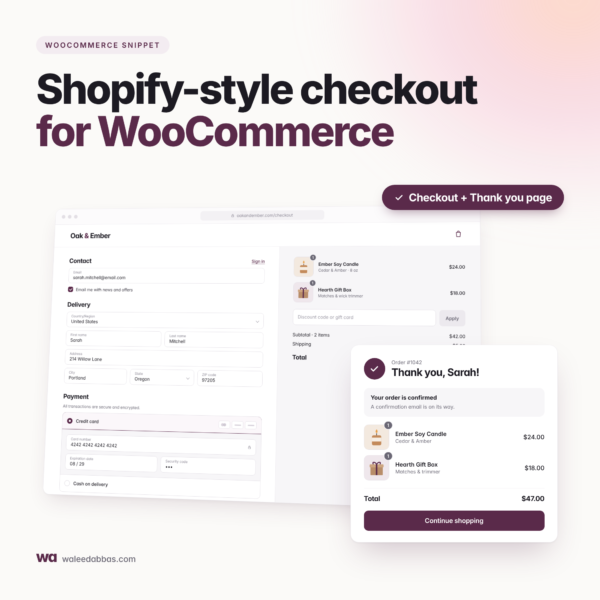
Shopify-Style Checkout & Thank You Page for WooCommerce
$39Original price was: $39.$19Current price is: $19. Add to cart -
Sale!

Luxury Hair Extension Store Theme
$40Original price was: $40.$20Current price is: $20. Add to cart -
Sale!

Pink Coach Multi-Page Theme
$40Original price was: $40.$20Current price is: $20. Add to cart